Eight steps from an empty trip to a plan the whole group can see: the itinerary, the chat, the money and the photos, in one trip everyone opens.
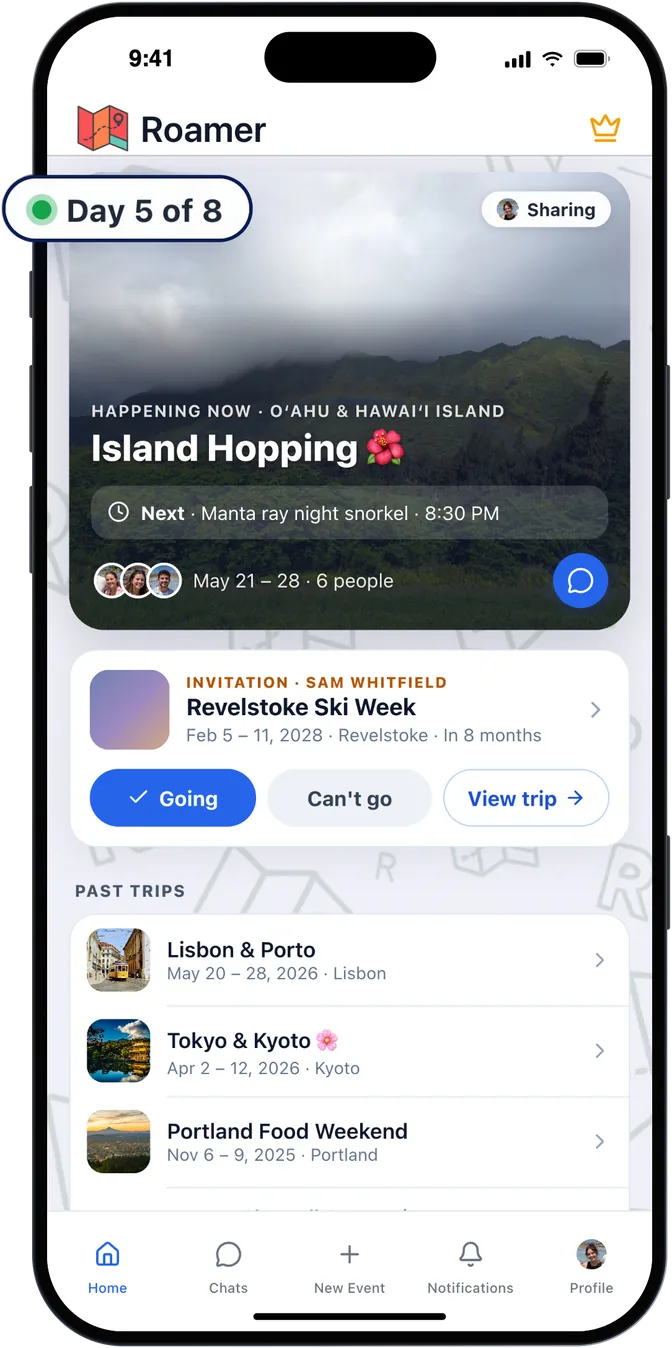
Give it a name, a place and dates and you're done. The trip appears on your home screen, with what's next while you're away and any invitations waiting for an answer. Everything you add from here lives inside this one trip.
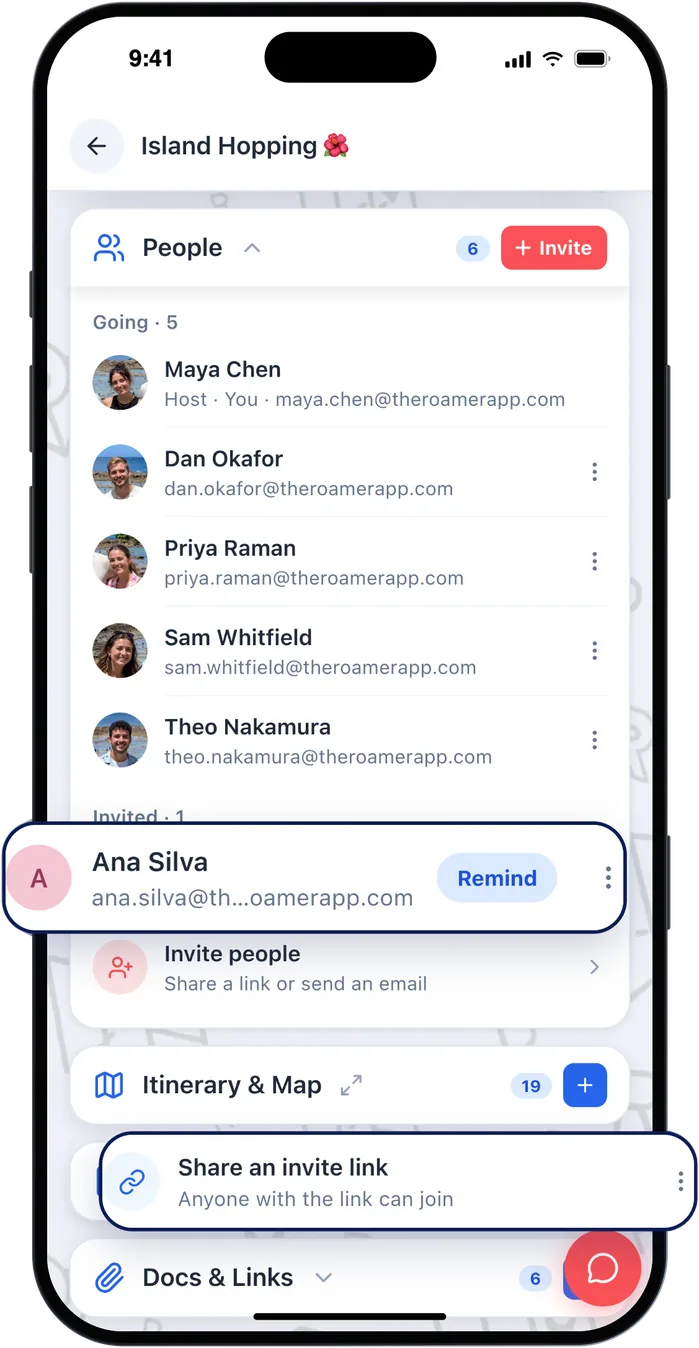
Share one invite link in your group chat, or invite people by email. They can say whether they're going and see every detail as it changes, and Roamer shows who's in and who hasn't answered yet, with a button to remind them.
Do this early, before the plan is finished. A trip everyone can watch take shape gets more input than a finished itinerary dropped into a chat.
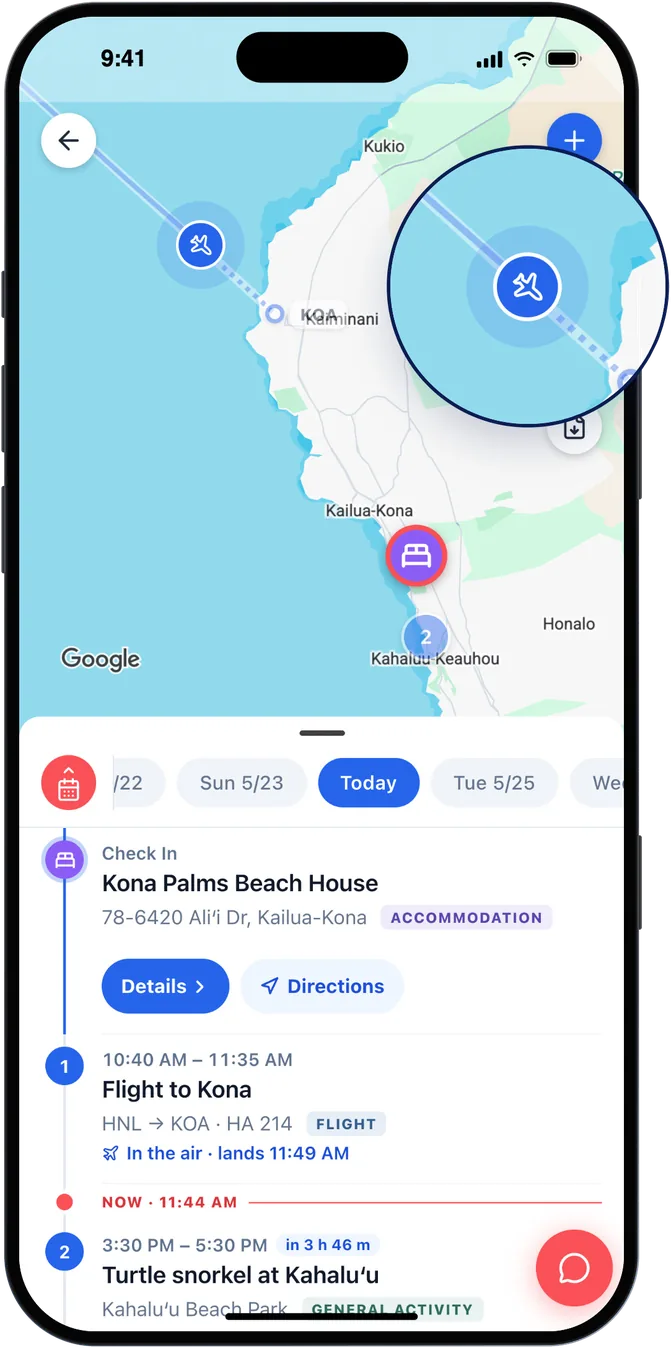
Add your stays, flights, ferries, dinners and activities. Every plan with a place shows up pinned and in order, day by day, which is usually the moment someone spots that two things are on opposite sides of the island. Explore suggests tours and things to do nearby.
The details that matter, from addresses to confirmation numbers and tickets, are stored on your phone and open even offline. Upload a booking PDF and autofill reads the details out of it for you.
Autofill and live flight status: Trip Pass or Roamer Pro
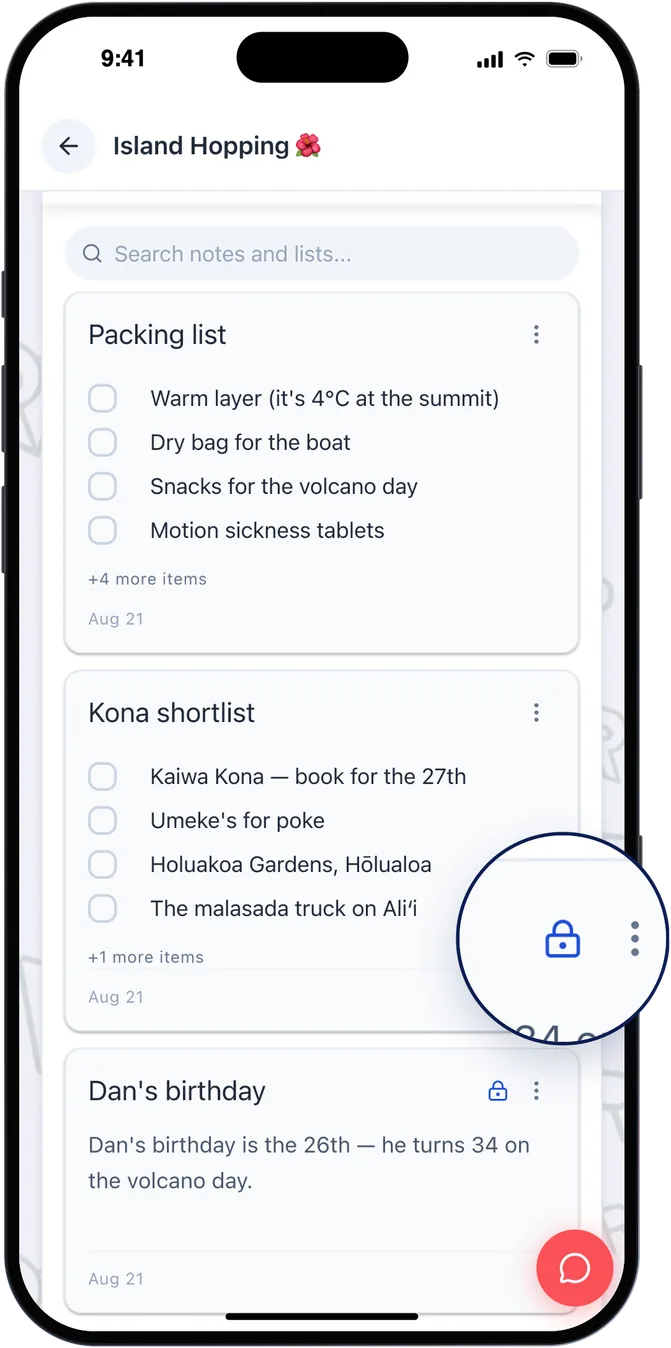
Lists for packing, group dinners and games to bring, that everyone can edit and tick off, plus every document and link in the trip in one place, filed with the plan it belongs to.
With Trip Pass or Pro you can also keep a note private, for the surprise you are planning or the list nobody else needs to see.
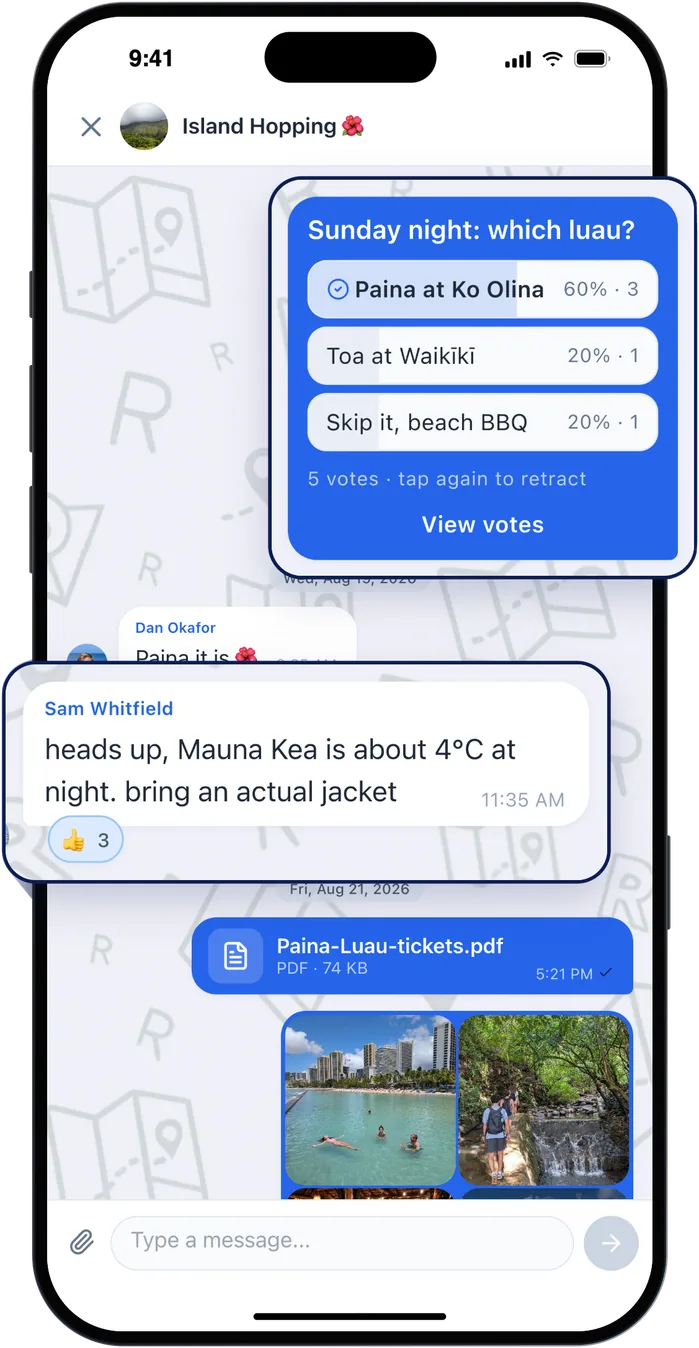
A full group chat with photos, GIFs, reactions and polls, in the trip itself. Anything with more than two options becomes a poll, so the answer is a tap instead of a thread, and it stays next to the plan rather than scrolling away.
This is the step that decides whether the rest sticks. If the group is still talking in a separate chat, the plan and the conversation drift apart, and the plan loses.
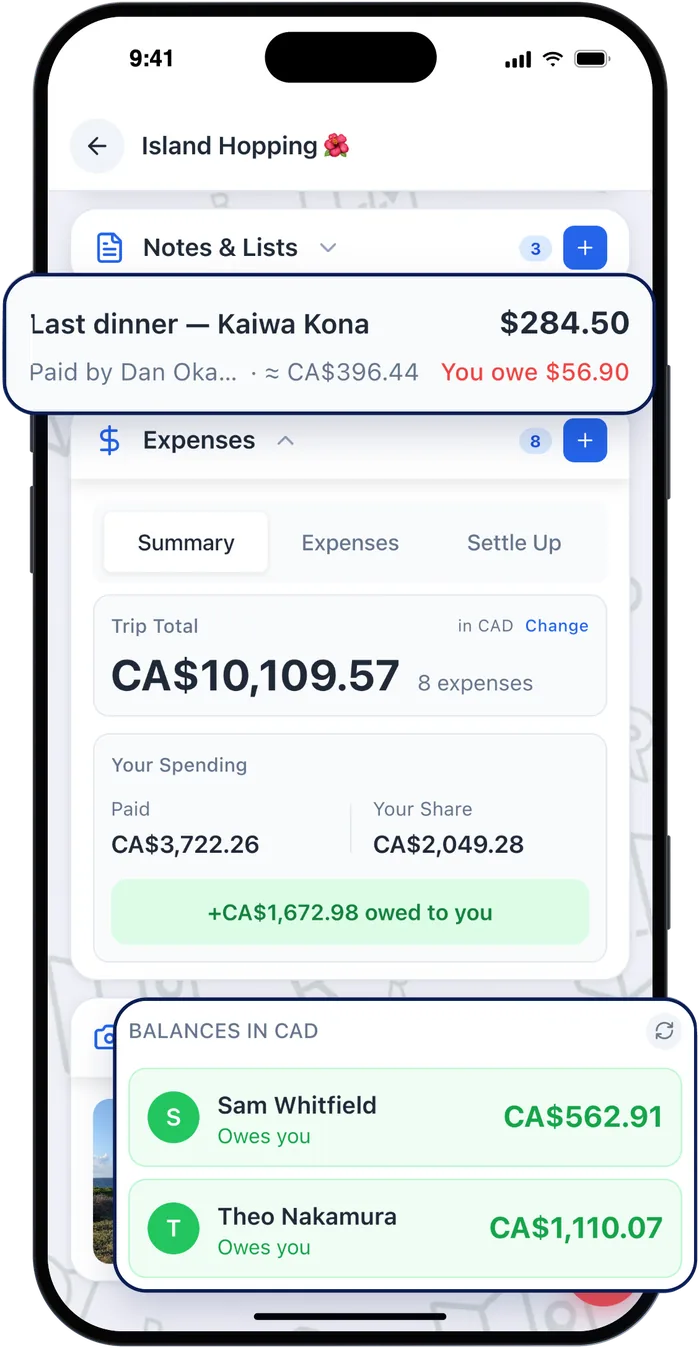
Log what you paid in any currency and choose how it splits: evenly, by share or by item. Roamer keeps the running total in your home currency, works out who owes whom, and settles it in the fewest payments.
Start with the very first deposit, months before the trip if that's when it was paid. The person who fronted the accommodation shouldn't have to raise it on the last night.
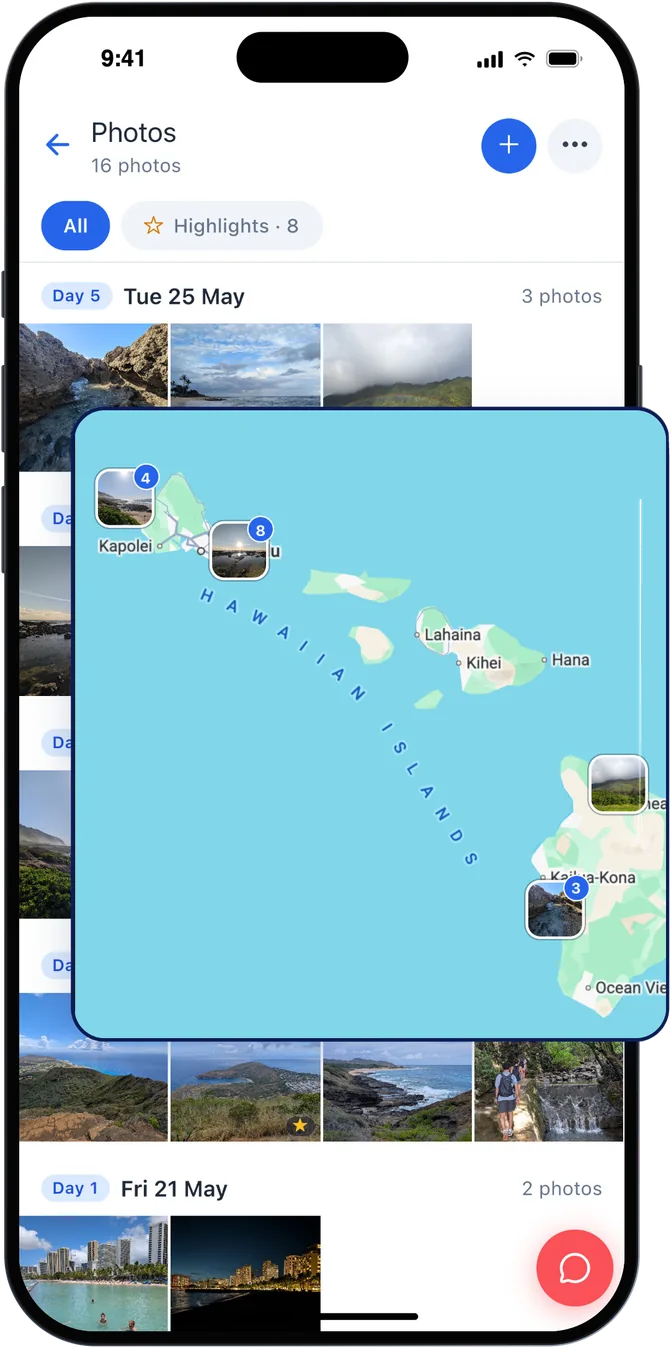
Everyone's photos and videos land in the trip's album as they're taken, sorted by day and pinned on the map where they were taken, so you get the whole trip from six angles instead of four camera rolls.
Pick the best ones as the trip's highlights. It's the part people come back to months later, and every trip stays on your profile.
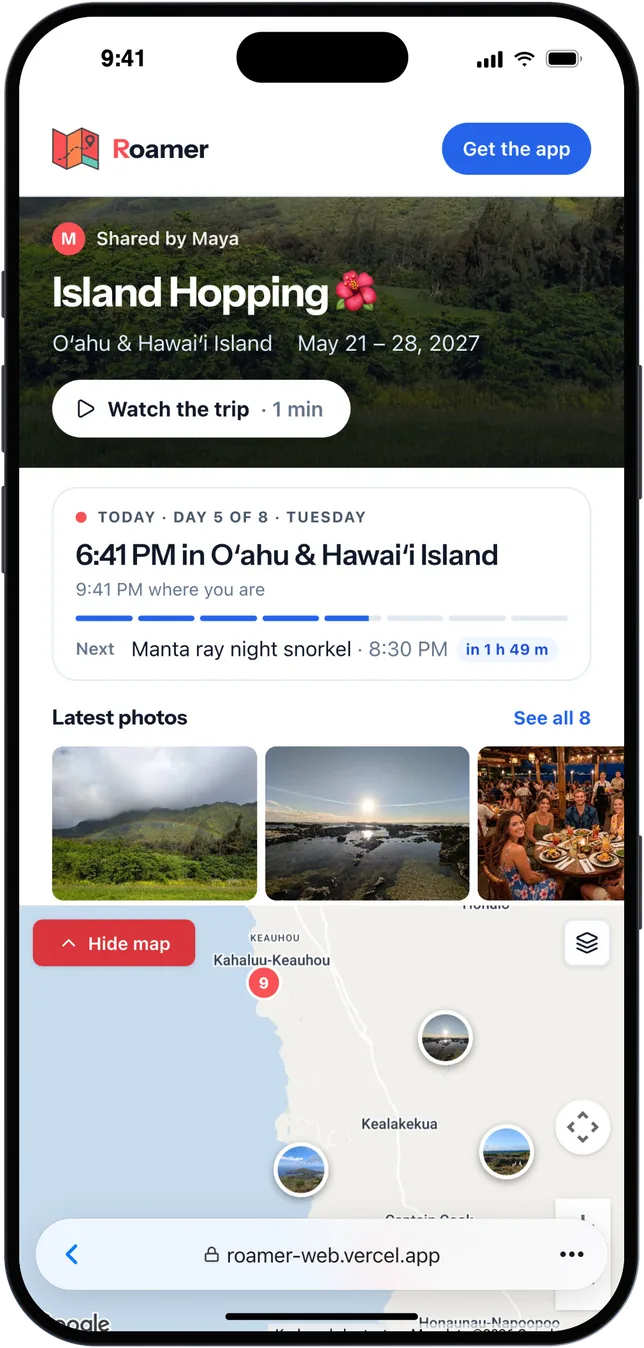
Send family and friends a link to the trip's web page: your plans, your best photos and a short slideshow, in any browser. No app or account needed, and it never shows your chat or your costs.
Make the trip, invite the group, and the rest of this list has somewhere to live. Free to use, for everyone you invite.